How to use Dawnwren
Set it up once in a few minutes. After that, it’s one tap a day — and it quietly watches your back.
Set it up once in a few minutes. After that, it’s one tap a day — and it quietly watches your back.
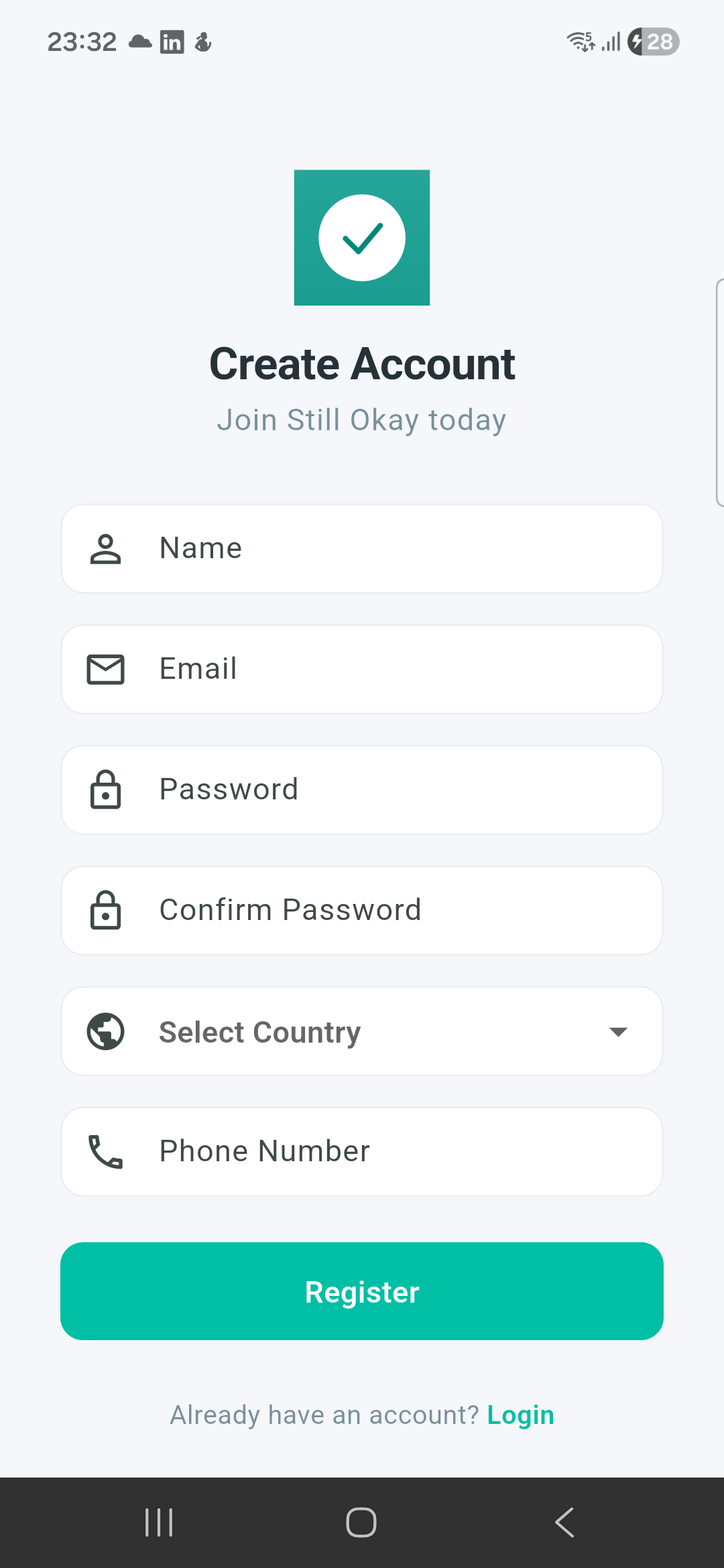
Open the app and tap Create account. You only need an email and a password.
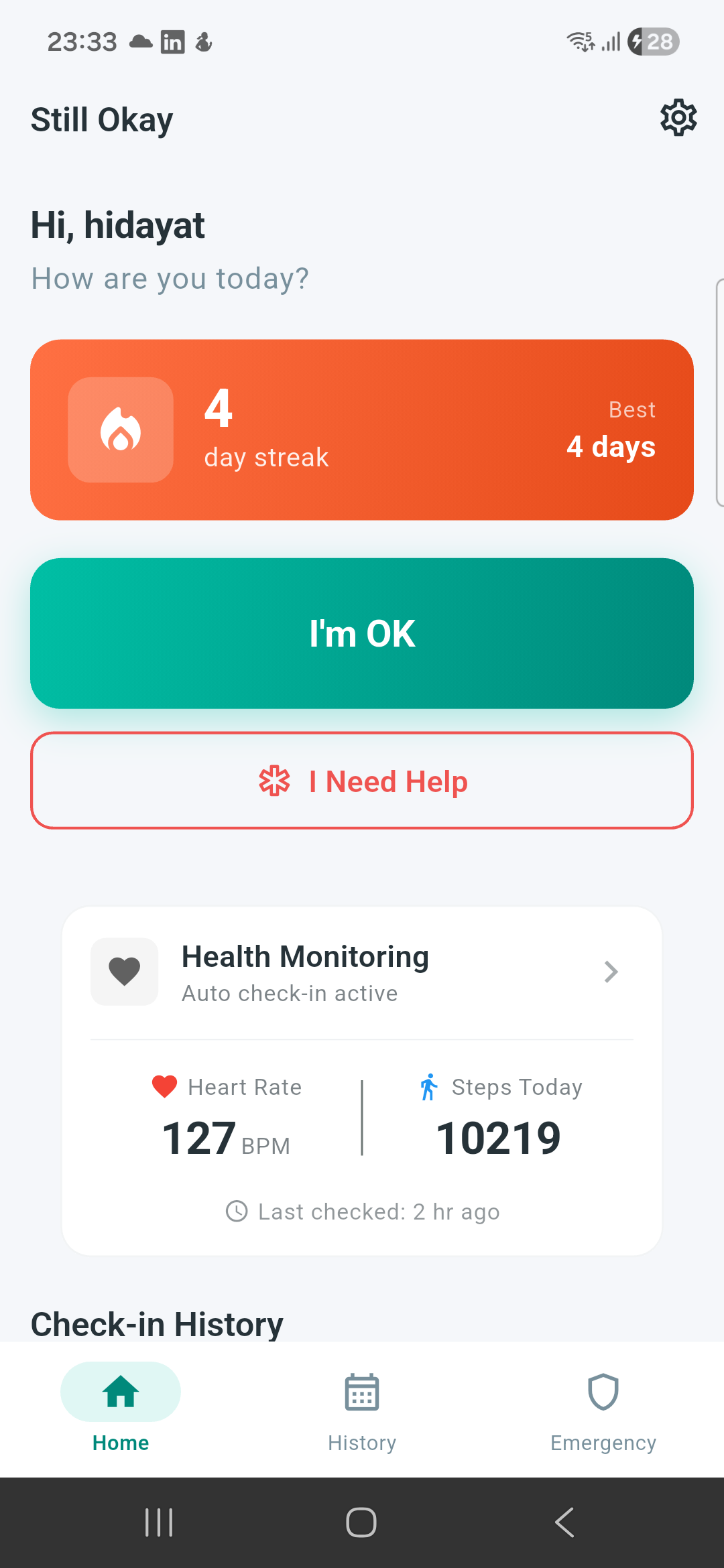
The home screen is one big button. Once a day, tap I’m OK — that’s your check-in.
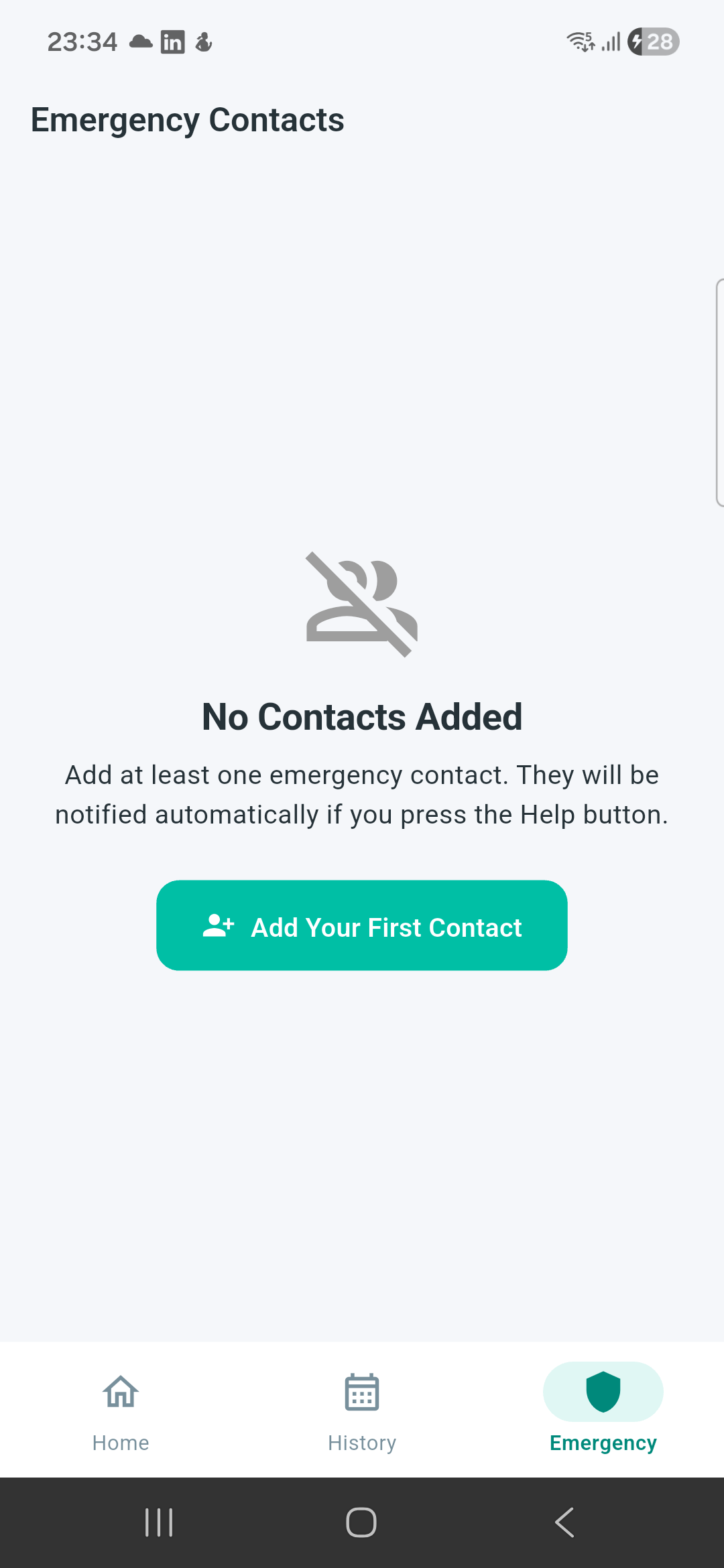
Go to Emergency Contacts and add the people who should be reached if something’s wrong.
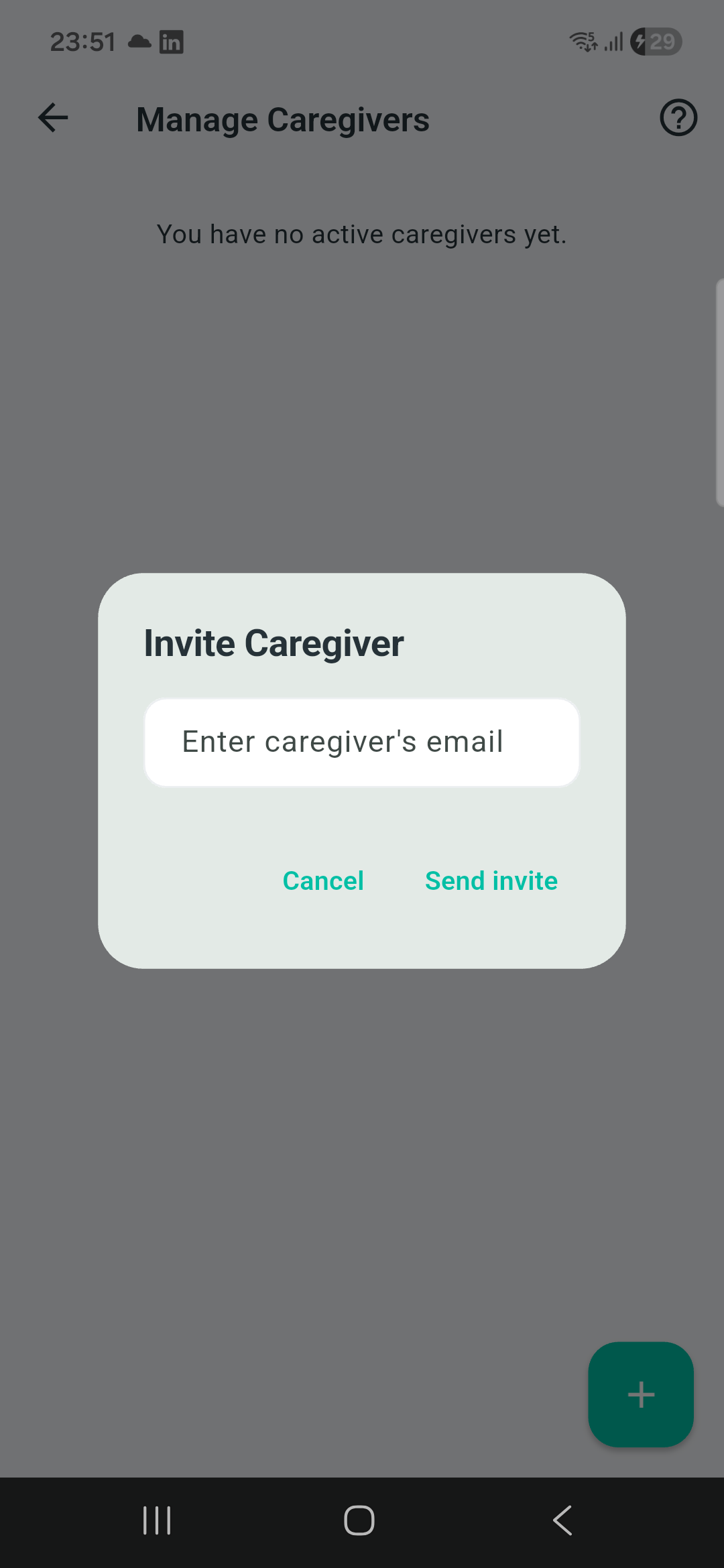
A caregiver is another Dawnwren user who can see your check-in status. Open Caregivers and invite them by email.
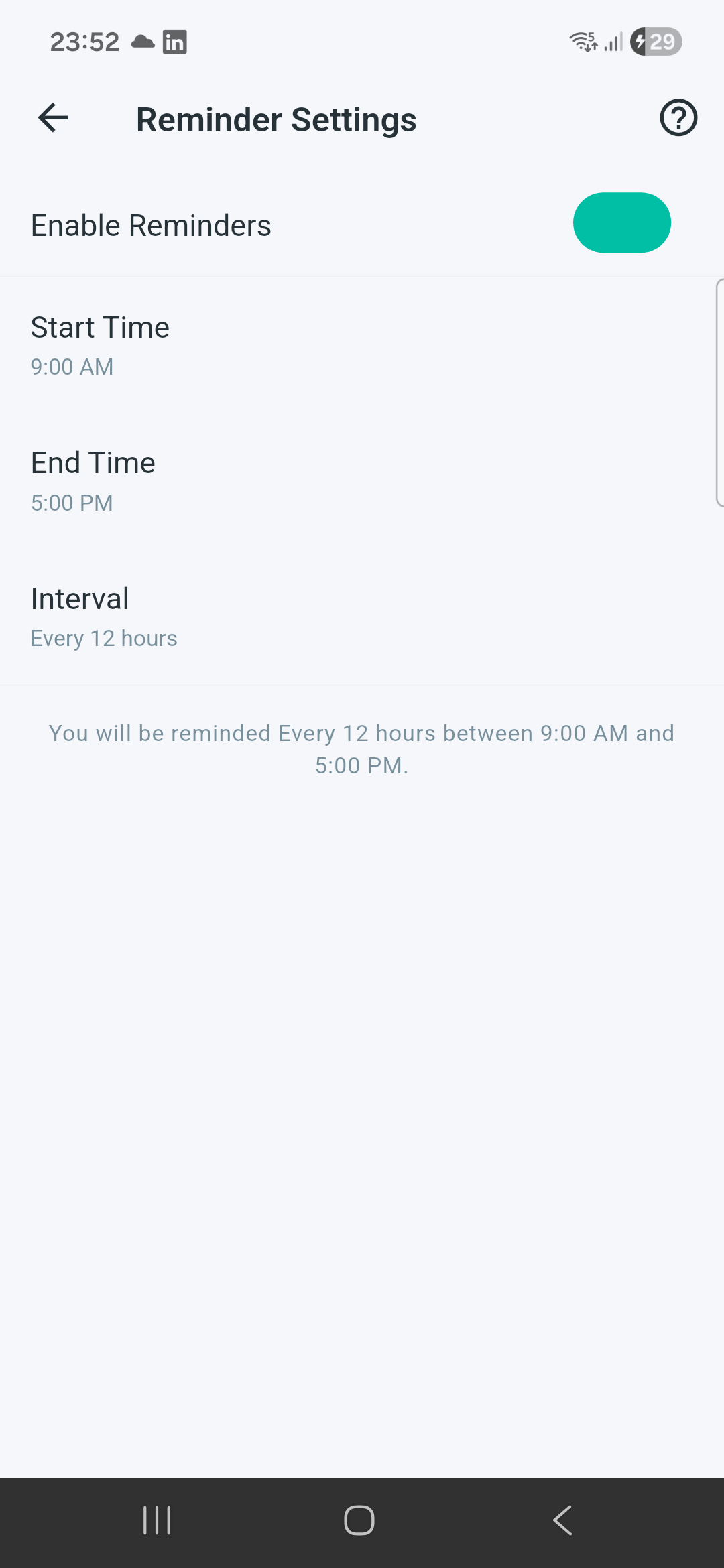
Under Reminders, choose when Dawnwren nudges you to check in. Under Sleep, set the hours you don’t want to be disturbed.
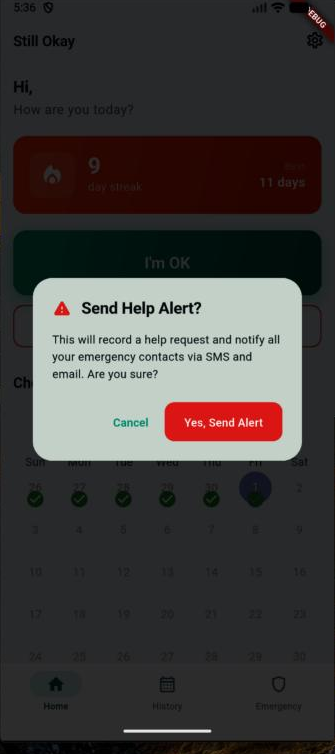
Need someone now? The Help button messages your emergency contacts immediately.
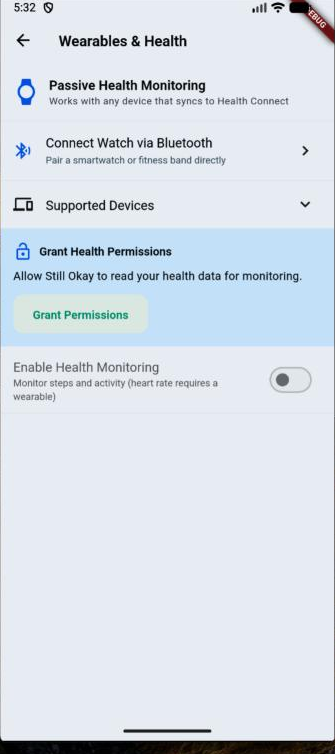
Premium adds tools for families who want more coverage:
Dawnwren escalates gently and in stages — it doesn’t alarm everyone the moment you’re a minute late. You define the timing; the defaults below assume a 12-hour check-in.
The moment you tap I’m OK, everything resets to normal. Escalation is always sleep-aware.
Yes — a caregiver is another Dawnwren user, linked by email, who can see your status. Emergency contacts do not need the app; they’re reached by SMS or email.
Nothing dramatic happens right away. There’s a grace period and gentle reminders to you first. Only if you stay silent past those stages are your caregivers and emergency contacts alerted — and never during your sleep window.
No. Set a sleep window and Dawnwren won’t nudge you or escalate during those hours.
Yes. No mood tracking, no AI guessing, no social feed, no ads. Dawnwren only reports facts and the rules you set. See our Privacy Policy.
Daily check-ins, streaks, the Help button, emergency contacts, reminders and one caregiver are free. Premium adds unlimited caregivers, care circles, health & smartwatch monitoring, and SMS alerts.
In the app: Settings → Delete account. It permanently removes your data. You can also read the process on our account deletion page.